




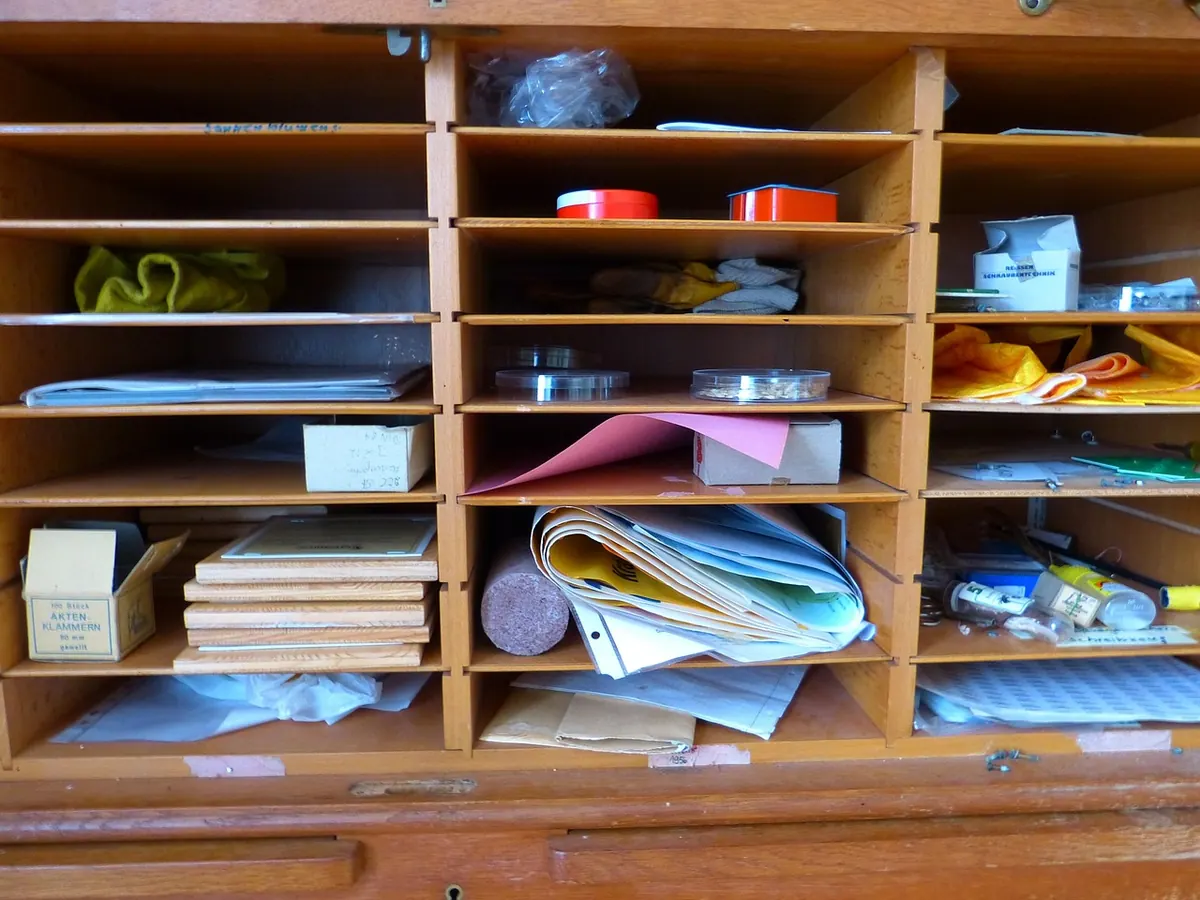
Most Notion workspaces fail the same way a filing cabinet fails when you shove everything into one drawer: nothing is where you expect it, so you stop opening it. The PARA method fixes this with four buckets and one rule — file things by when you will use them, not by what they are.
PARA stands for Projects, Areas, Resources and Archives. It was popularised by Tiago Forte in Building a Second Brain, and it has stayed popular because it takes about twenty minutes to understand and works in almost any tool. Notion suits it unusually well, because two of the four buckets are databases and the other two are largely states of the same data.
The four buckets, in plain English
Everything you keep falls into one of four categories, depending on how close it is to action:
- Projects — a series of tasks with a finish line. "Redesign the homepage" is a project. So is "Book a holiday".
- Areas — ongoing responsibilities you maintain indefinitely. Health, finances, your team, your flat.
- Resources — reference material you might want later. Notes, templates, recipes, supplier details, a list of podcasts worth trying.
- Archives — anything from the other three that is no longer active but not worth deleting.
Two questions separate them. Does it end? If yes, it is probably a Project. Are you responsible for keeping it in good shape? If yes, and it does not end, it is an Area. If it is neither — it is just something you found useful — it is a Resource.
Projects: anything with a finish line
Start with a single Projects database. Give it four properties and no more while you are learning: Status (a select with Not started, In progress, Blocked, Done), Due date, Area (a relation, which we will come back to), and Next action (a short text field).
The next action field is the one people skip and later regret. Writing "email Priya about the deposit" takes ten seconds, and it means you never open a project page and find nothing but fog.
What goes inside a project page
Keep it plain. A one-line outcome at the top — what "done" looks like — then a to-do list, then notes. If a project grows past that, it usually means it is two projects, or that one of its pieces is really an Area in disguise.
Create a view called Active that filters out anything marked Done, and a table view sorted by due date. Those two views will do more for you than any elaborate dashboard.
Areas: the standards you keep
Areas are the part people find hardest, because they are not tasks and never feel urgent until something has gone wrong. Think of them as the standing responsibilities in your life: Health, Money, Home, Career, Team, Car, Family.
In Notion, give Areas their own database with two or three properties: a name, an optional status (On track, Needs attention), and — crucially — the other half of the relation with Projects. Set the relation up in both directions so that every project can name its area, and every area can list its projects. Open "Health" and you should see the dentist appointment, the gym plan and the sleep experiment sitting together.
One warning: keep the list short. Five to eight areas is workable. Twenty is a taxonomy, not a system.
If a project does not belong to any area, that is worth a second look. Sometimes it is genuinely new. More often it is something nobody is maintaining.
Resources: reference material worth keeping
A Resources database holds topics rather than actions. Book notes, a template you reuse, the plumber's number, a running list of articles about pricing. Use a Topic select or multi-select property instead of nested pages — deep nesting is where Notion workspaces go to die.
Where resources end and areas begin
Health is an Area, because you are responsible for it. A collection of marathon training plans is a Resource. The distinction that settles most arguments: an Area is something you would be neglecting; a Resource is something you would be consulting. If you never consult it, it belongs in the Archive.
The Archive: the bucket nobody uses enough
Archiving is not deleting. Add an Archived checkbox to each database, then make sure every view filters it out. Finished projects, abandoned projects, resources you have moved on from, areas you no longer maintain — all of it goes there, and none of it clutters the working view.
This is what keeps the system honest. Your active lists stay short enough to scan, search still finds everything, and you never again wonder whether the thing you deleted two years ago mattered.
Setting it up in Notion: a practical order
- Create three top-level pages in the sidebar: Projects, Areas and Resources. Add a fourth called Archive if you like the symmetry — it will hold filtered views rather than its own content.
- Inside Projects, add a database. Areas gets a second one, Resources a third.
- Add a Relation property between Projects and Areas, and turn on "show on both sides".
- Add an Archived checkbox to all three databases.
- Build two views per database: one that hides archived and finished items, one that shows everything.
- Move in ten real items. Not your whole Notion history — ten. If something does not obviously fit, put it in Resources.
Common sticking points
- Too many areas. Merge anything you would not separately review each month.
- Projects that are really tasks. "Send invoice" is a to-do. It does not need a page.
- Endless filing debates. Give yourself five seconds. Wrong bucket beats no bucket, and you can move it later.
- Never archiving. Done means archived. Otherwise the active view becomes the drawer you stopped opening.
- Rebuilding the system every few weeks. The structure is not the point. The weekly review is.
Start with four pages today
You do not need a beautiful workspace. Create the pages, build one Projects database and one Areas database, link them, and move across whatever you are working on right now. That is a working PARA setup, and it will take you less time than reading about one.
Then hold a single appointment with yourself each week — fifteen minutes is plenty. Close finished projects and archive them, add what is new, and check that every open project still has a next action. The setup takes an afternoon; the weekly sweep is what makes it last.
Photo: LoggaWiggler / Pixabay